One Place for All Your AI Work
Projects, resources, permissions, and environments. Organized, not scattered. Your team ships faster when everything lives in one place.
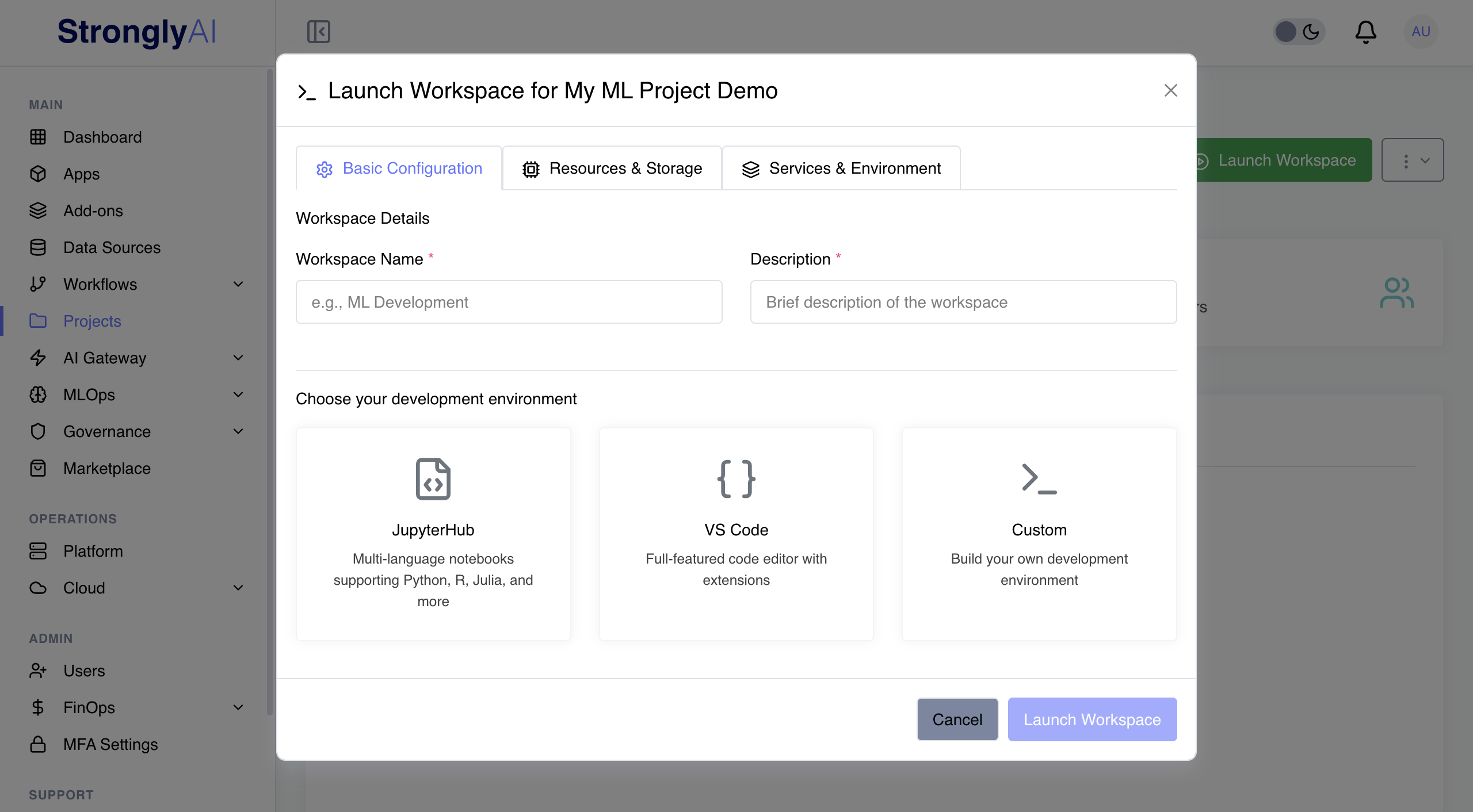
Stop Context Switching. Start Shipping.
Apps, workflows, models, data, and permissions. One workspace. One source of truth.
Project Organization
Group apps, workflows, models, and datasets per initiative. Logical hierarchies. No hunting through shared drives or Slack threads.
Team Collaboration
Invite members, assign roles, collaborate in real-time. Share prompts, workflows, and insights directly. No exports, no email chains.
Access Control
Granular permissions at workspace, project, and resource levels. Define who views, edits, deploys, and manages. RBAC that maps to how your org actually works.
Resource Sharing
Share prompts, models, and workflows across projects. Build a library of reusable components. Stop rebuilding what another team already shipped.
Usage Analytics
Usage, costs, and performance across all projects. See which AI applications deliver ROI. Cut the ones that do not.
Environment Management
Dev, staging, production. Promote changes through your pipeline with version control. Test before you ship. Rollback when you need to.
AI That Compounds Across Teams
When teams share a platform, work compounds instead of duplicating
40% Faster Onboarding
New team members find what they need without asking. Everything in one place. Less searching, more building.
Governance Built In
Centralized policies, audit logs, and data governance. Compliance is not a project. It is a default.
Build Once. Ship Everywhere.
Shared workspaces mean teams reuse existing AI assets. Every component built makes the next project faster.
Your IDE. Our Platform. One Python Package.
Develop locally. Deploy to production. No workflow changes required.
Write Code Where You Already Work
The Strongly Python package works in Jupyter, VS Code, PyCharm, or any Python environment. No new tools to learn. No vendor IDE to adopt. Your workflow stays the same. Deployment gets easier.
Deploy ML Models
Push trained models to the registry from your dev environment. Version control, metadata tracking, governance. One command.
Track Experiments
Automatic parameter, metric, and artifact logging. Compare experiments. Reproduce successful runs. Full lineage tracking so nothing is a black box.
Deploy to AI Gateway
Deploy to the AI Gateway with a single command. Scaling, monitoring, and guardrails apply automatically. Local to production in one step.
Deploy Applications
Package and deploy complete AI applications. Share with end users through the platform. No code changes between dev and production.
Service Discovery
Add-ons, data sources, workflows, ML models, AI Gateway - all discoverable automatically. Reference by name. No manual configuration.
Unified Workflow
One package. Local dev to production deploy. Consistent APIs across every Strongly service. No context switching between tools.
Development to Production in Minutes
Code Locally
Develop in your IDE or notebook
Track & Test
Log experiments and validate models
Deploy Models
Push to registry and AI Gateway
Launch Apps
Make available to end users
See It in Action
Watch an app get coded in a workspace and deployed on Strongly.
Your AI Portfolio. One Platform.
Organize projects, teams, and environments - with collaborative AI development and the Strongly Python SDK.